|
Nginx - Virtual Hostings
2013/07/07 |
|
Configure Virtual Hostings.
|
|
| [1] | Add a section for new domain like follows. The example of new domain below is "virtual.host", replace it to your own domain name. |
|
[root@www ~]#
vi /etc/nginx/conf.d/virtual.conf # add at the last line
server {
    listen       80;
    server_name  www.virtual.host;

    location / {
        root   /usr/share/nginx/virtual.host;
        index  index.html index.htm;
    }
}
mkdir /usr/share/nginx/virtual.host [root@www ~]# /etc/rc.d/init.d/nginx restart Stopping nginx: [ OK ] Starting nginx: [ OK ] |
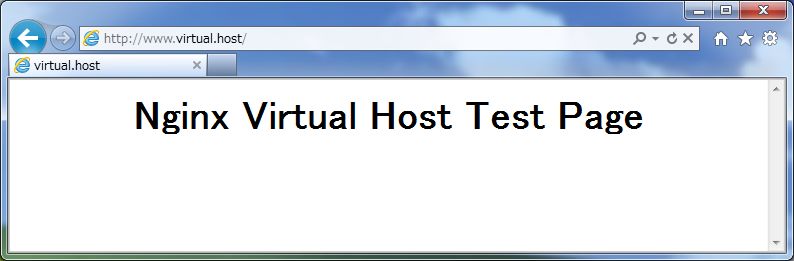
| [2] | Create a HTML test page and make sure it works or not. It's OK if the following page is shown. |
|
[root@www ~]#
vi /usr/share/nginx/virtual.host/index.html <html> <body> <div style="width: 100%; font-size: 40px; font-weight: bold; text-align: center;"> Nginx Virtual Host Test Page </div> </body> </html> |
|